No. 025 of 460 · Pictures and Pages · Built from a recipe
Picture Lab
The Picture lab shows a page, a photo, a GIF or a video as Gaussian splats: thousands of small, flat, colored discs, the same stuff every splash here is made of.
- Shelf
- Pictures and Pages
- Kind
- Built from a recipe
- Your own
- Your own picture
- Sound
- Yes
- Licenses
- CC0, MIT, Apache-2.0
How to play
Tap the right of the page to go on, the left to go back. With Pop out on (its button at the right), tap a figure to raise it.
Its controls
| Control | Kind | Range | Start |
|---|---|---|---|
| Next page, or play and pause | Tap | ||
| Next page | Button | ||
| Pop out | Switch | Off | |
| Draw a box | Switch | Off | |
| Pop-up layers | Switch | Off | |
| Sample | List | 2 choices | An article (PDF) |
About it
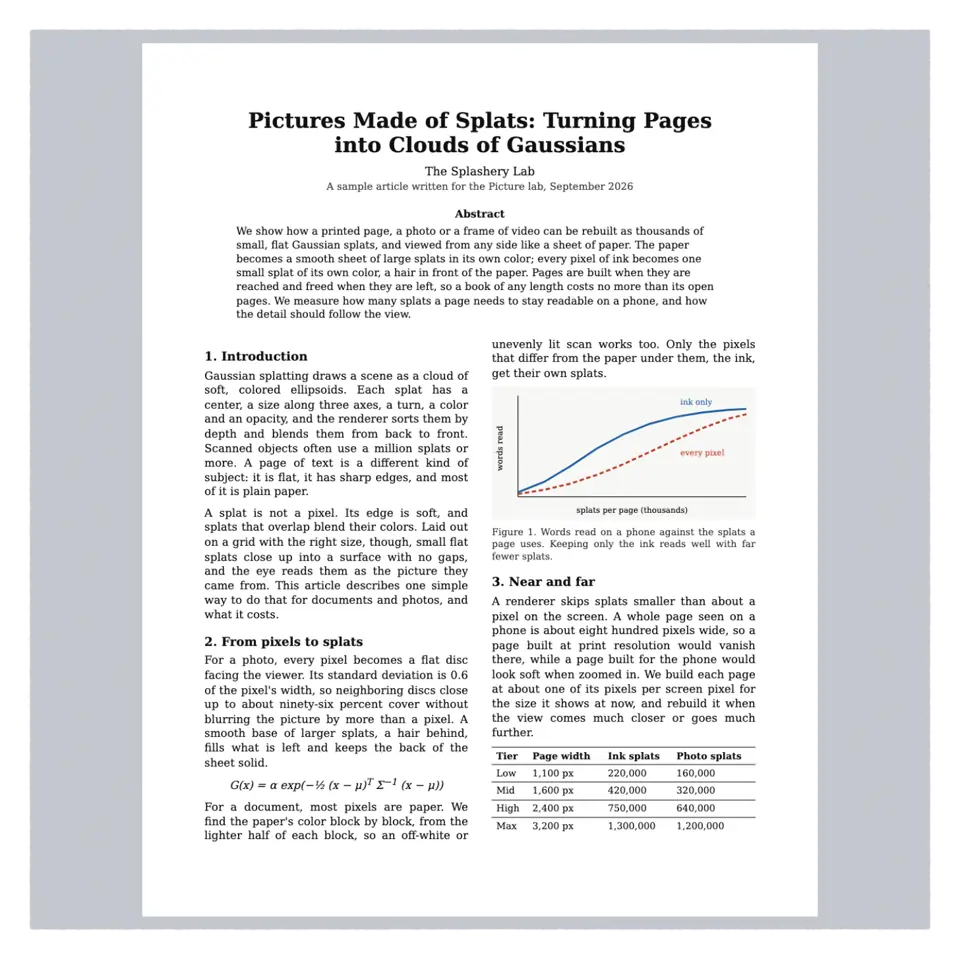
The Picture lab shows a page, a photo, a GIF or a video as Gaussian splats: thousands of small, flat, colored discs, the same stuff every splash here is made of. A document's paper becomes a smooth sheet of large splats in the paper's own color, and every pixel of ink becomes one small splat of its own color, a hair in front. A photo gets one splat per pixel.
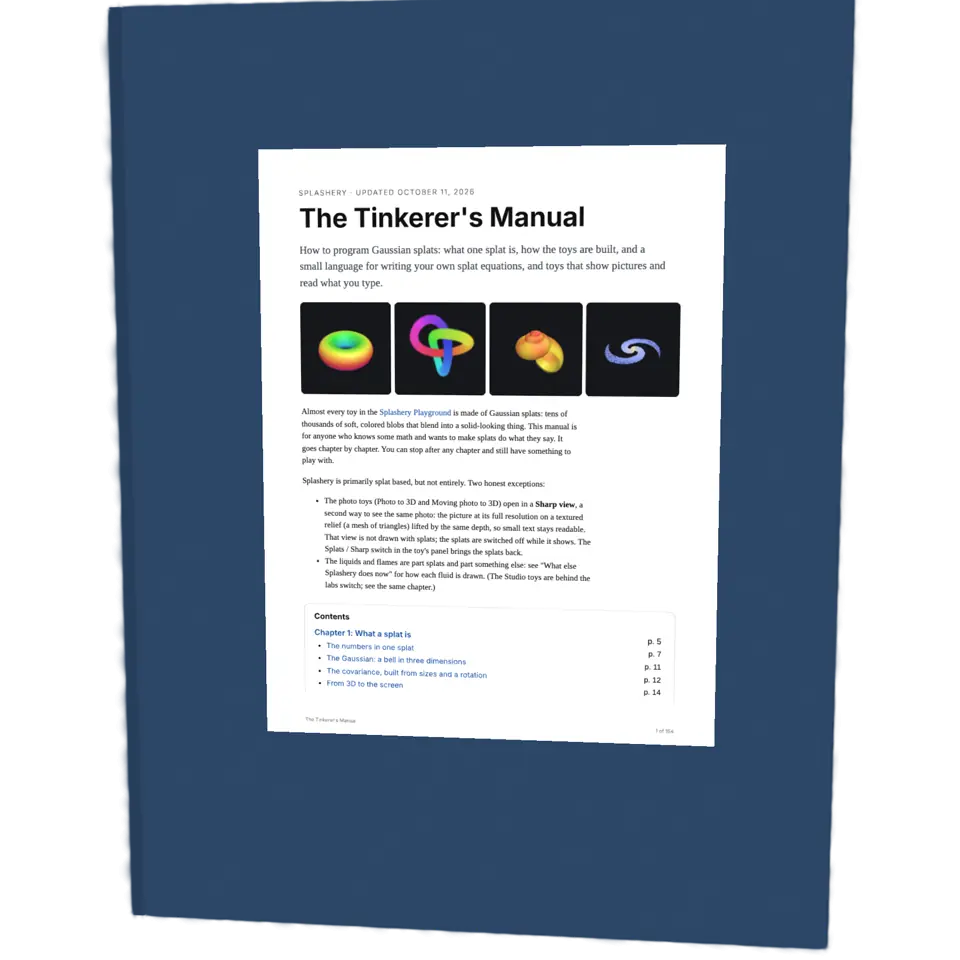
Double-tap the page to fill the screen with it; zoom in and it is rebuilt sharper. Open a PDF, a photo, a GIF or a video of your own in the Splash tab, or paste a web address. Your files stay on your device: nothing is uploaded. Sample picks a PDF or a photo.
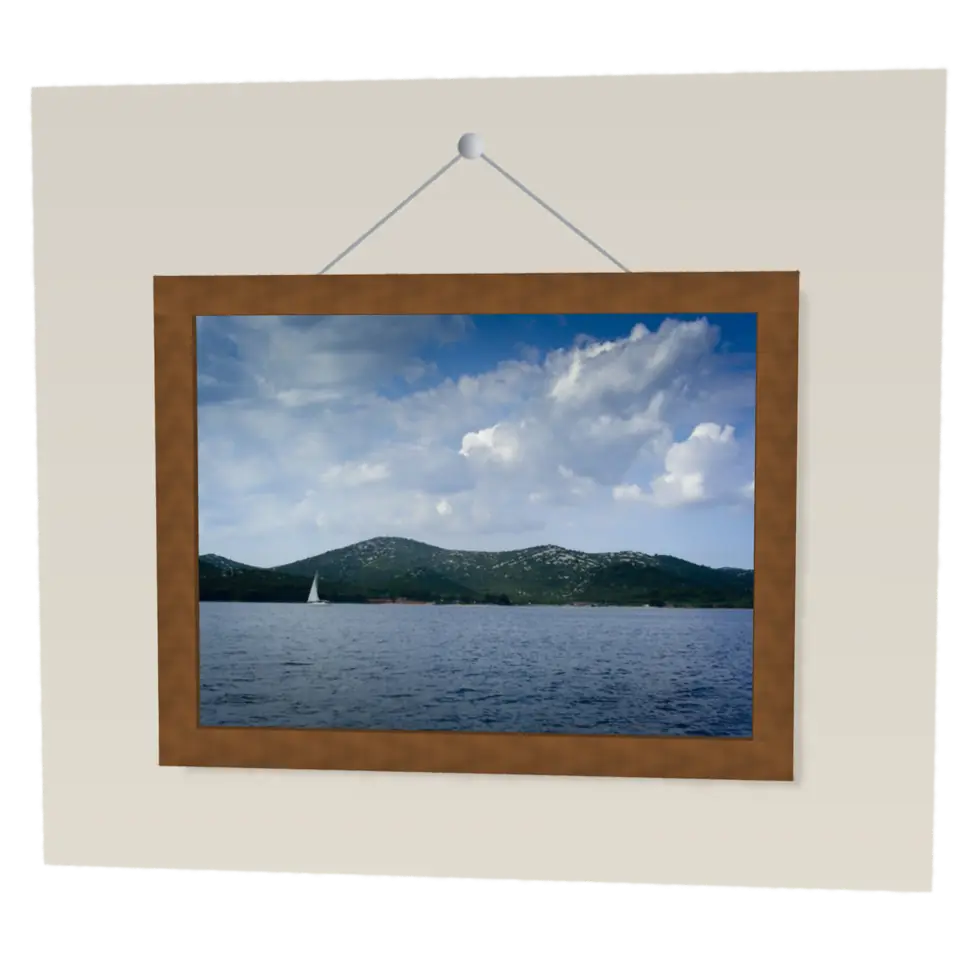
Turn on Pop out with its button at the right of the stage and tap a picture to raise it off the page in 3D; tap it again to lay it back. Draw a box raises anything else, and Pop-up layers splits one into cutout cards. Drag a risen figure to tilt the view; the Depth slider adds relief.
Details
- Splats
- Opens at 200,000 at Mid Detail, and up to 200,000 at Max
- Turning
- Drag turns it left and right only, until Tilt lock is off
Sources and credits
| Work | By | License |
|---|---|---|
| Tulip field (the photo sample) | DennisM2 | CC0 1.0 |
| Sharp hybrid picture faces | Ryan Kamp | MIT |
Libraries
- Apache-2.0
- Depth Anything V2 Small, quantized ONNX (lane LSTUDIO, copied from Splashery)
- MIT
- ONNX Runtime Web 1.30.0 (its modules)
In The Splash Manual
Back to the machineThe Pictures and Pages machine