No. 006 of 460 · Studio · Built from a recipe
Model to Splats
A 3D model is usually a mesh: a net of flat triangles with colors or a picture (a texture) painted on them.
- Shelf
- Studio
- Kind
- Built from a recipe
- Your own
- Your own 3D model
- Sound
- Yes
- Licenses
- CC0
How to play
Tap to lift the splats off the model; they settle back. Pick or open a model in the Splash tab.
Its controls
| Control | Kind | Range | Start |
|---|---|---|---|
| Lift off and settle back | Tap | ||
| Lift off | Button | ||
| Model | List | 8 choices | Burger |
| Show | List | 2 choices | Splats |
| Up is | List | 3 choices | Automatic (Z for STL, Y for the rest) |
| Soft light baked in | Setting |
About it
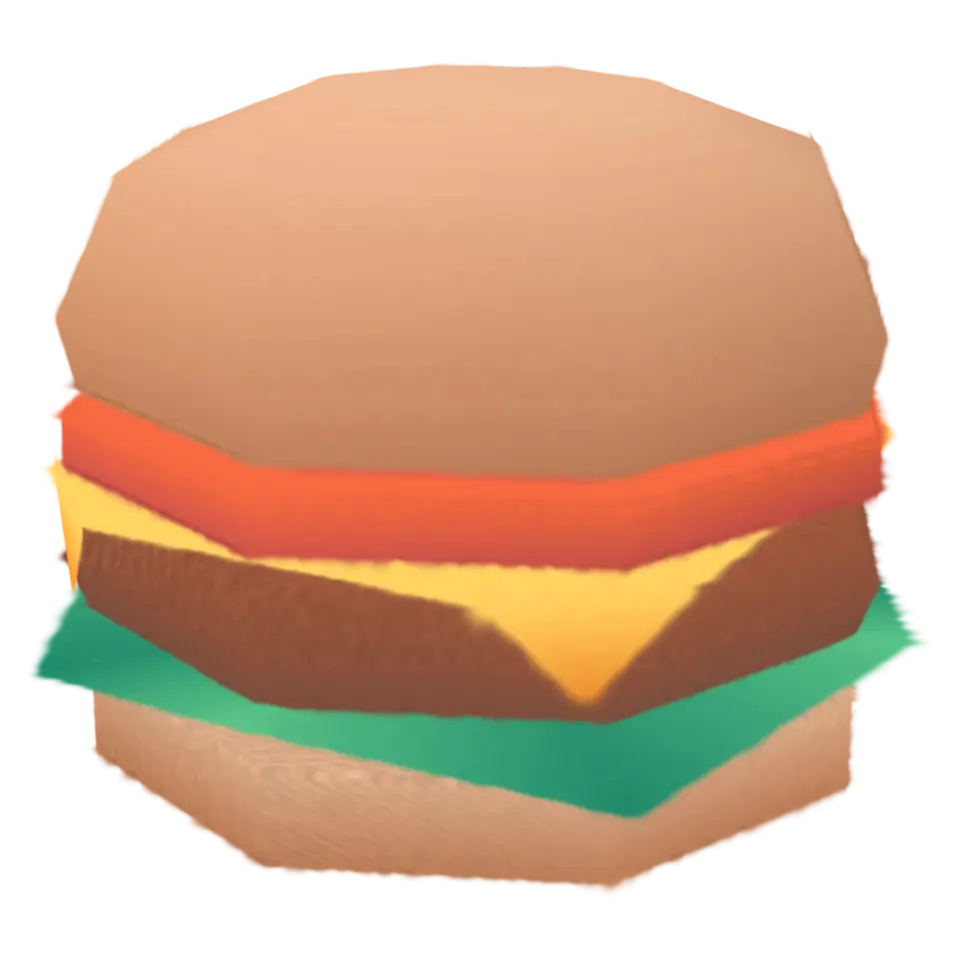
A 3D model is usually a mesh: a net of flat triangles with colors or a picture (a texture) painted on them. This splash turns a mesh into splats. It scatters points across the surface, more of them where the shape bends sharply or is finely made, and lays a small flat splat on each one, facing the way the surface does. Each splat is sized to its neighbors so the surface closes with no gaps, and takes its color from the texture at that spot. Sharp edges stay sharp.
Tap to lift every splat into a loose cloud and watch each one settle back into its own place. Show: Wireframe draws the mesh's own edges as thin splats, so you can see what the splats were made from. Open a .glb, .gltf, .obj or .stl in the Splash tab (select a model's other files with it); it is converted on your device and never uploaded.
Details
- Splats
- Opens at 200,000 at Mid Detail, 86,877 at Low, and up to 670,000 at Max
- Your own files
- .glb, .gltf, .bin, .obj, .mtl, .stl, .png, .jpg, .jpeg, .webp, model/gltf-binary, model/gltf+json, image/*
Sources and credits
| Work | By | License |
|---|---|---|
| Burger (Food Kit) | Kenney | CC0 1.0 |
| Antique Ceramic Vase 01 | James Ray Cock | CC0 1.0 |
| Camera 01 | Rajil Jose Macatangay | CC0 1.0 |
| Boombox | Thomas Paul Mouilleron | CC0 1.0 |
| Lantern 01 | Rajil Jose Macatangay | CC0 1.0 |
| Bronze Whale Statue | Tina | CC0 1.0 |
| Rockingchair 01 | Jorge Camacho | CC0 1.0 |
In The Splash Manual
Back to the machineThe Studio machine